Time Zone Pro for iPhone & iPad
The world clock that moves with your thumb.
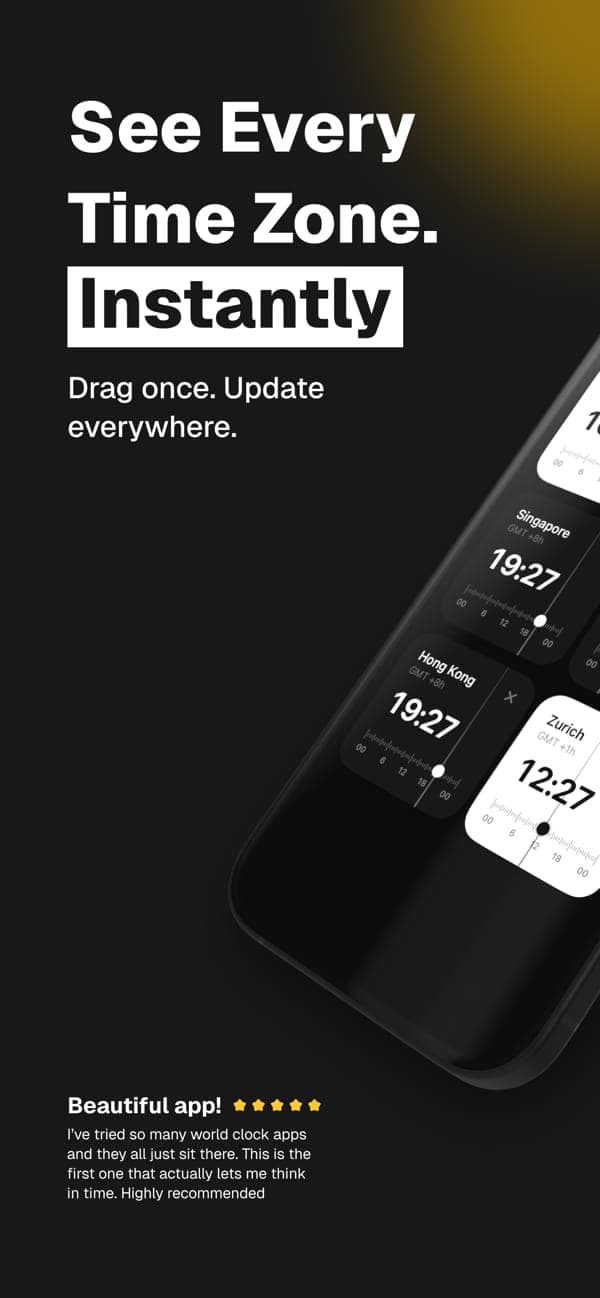
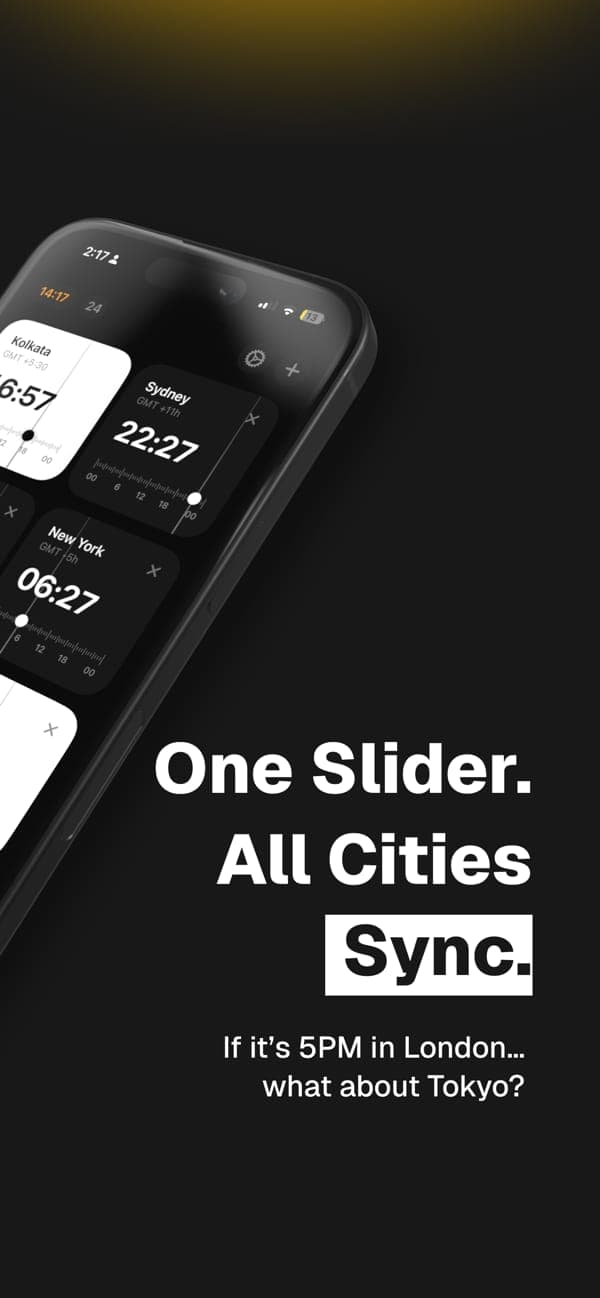
Every city is a card with its own 24-hour slider. Drag one and the rest follow, with a soft haptic tick every half hour. Built in SwiftUI for iPhone and iPad.
- iOS 17+
- iPadOS 17+
- Free
- Data Not Collected
Features
Made for this platform, not ported to it.
One shared slider
Drag any card's ruler and every other city updates instantly. Tap the time pill to jump back to now.
Haptics you can feel
A gentle tick as you pass each half hour, so you can scrub without looking at the numbers.
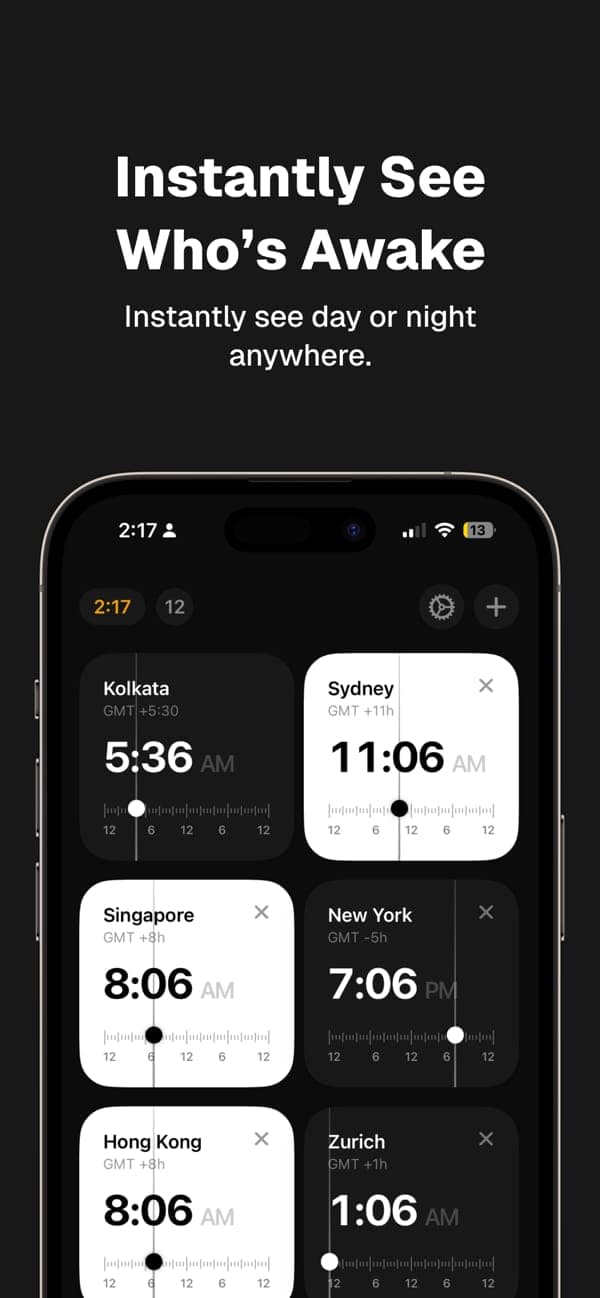
Day and night at a glance
Daytime cards are ivory, night cards go dark from 7 PM to 6 AM, so you can see who's asleep.
Any town, via Apple Maps
A built-in list works offline. When you're online, search Apple Maps for any city without sharing your location.
Wobble to rearrange
Long-press a card to make them wobble, drag into order, tap Done. Your home card stays pinned first.
Six palettes
Classic is free. Royal Emerald, Royal Sapphire, Midnight Blue, Amethyst and Imperial Garnet come with Pro.
Correct on DST days
The slider works in local wall-clock time, so 23- and 25-hour days, skipped and repeated hours all behave.
Accessible
VoiceOver actions for reordering and Reduce Motion support that turns the wobble off.
Travels with you
Follows your iPhone's time zone and refreshes when you land. No location permission.
Screenshots
Have a look around.
FAQ
Good to know.
Is Time Zone Pro free on iPhone?
Yes. It's free to download with no ads. The free version compares your home clock with one other city. Pro unlocks unlimited cities and five extra themes, either as a lifetime purchase or a subscription.
Does it work on iPad?
Yes. Time Zone Pro is a universal app for iPhone and iPad running iOS or iPadOS 17 or later, and the same purchase works on your Mac.
Does it need my location?
No. It reads your device's time zone setting. City search uses Apple Maps only when you type a city name, and never asks for your location.
Is there a widget?
Not at the moment. Time Zone Pro is built around the interactive slider, which needs the full app.
How do I restore my Pro purchase?
Open Settings in the app and tap Restore Purchases. Pro comes back on any iPhone, iPad or Mac signed in with the same Apple Account.