Time Zone Pro for Android
Slide one city. Find a time that works.
A native Android world clock in Kotlin and Jetpack Compose. Every city gets a 24-hour slider, and Find a time lines up everyone's day so the overlap is obvious.
- Android 8.0+
- Free
- No data collected
- One-time Pro
Features
Made for this platform, not ported to it.
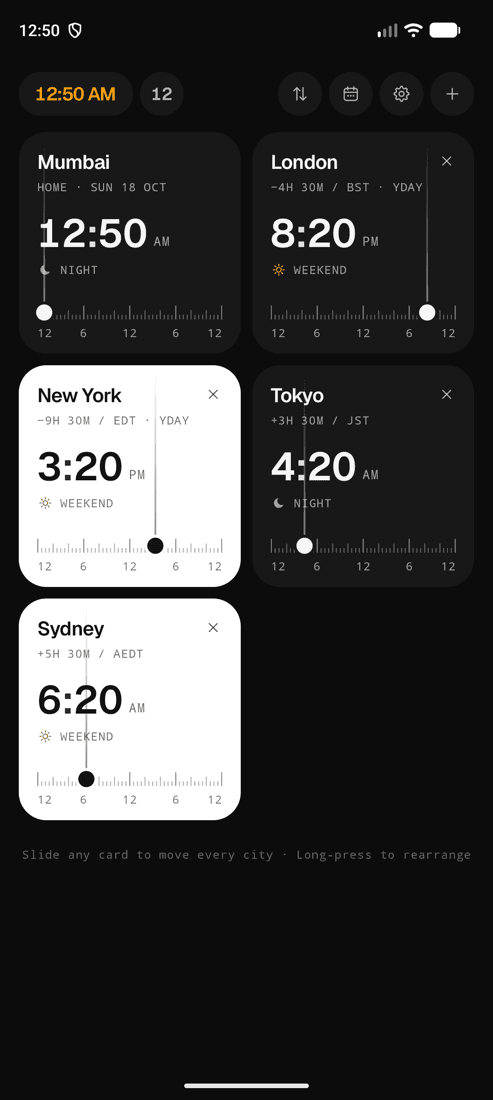
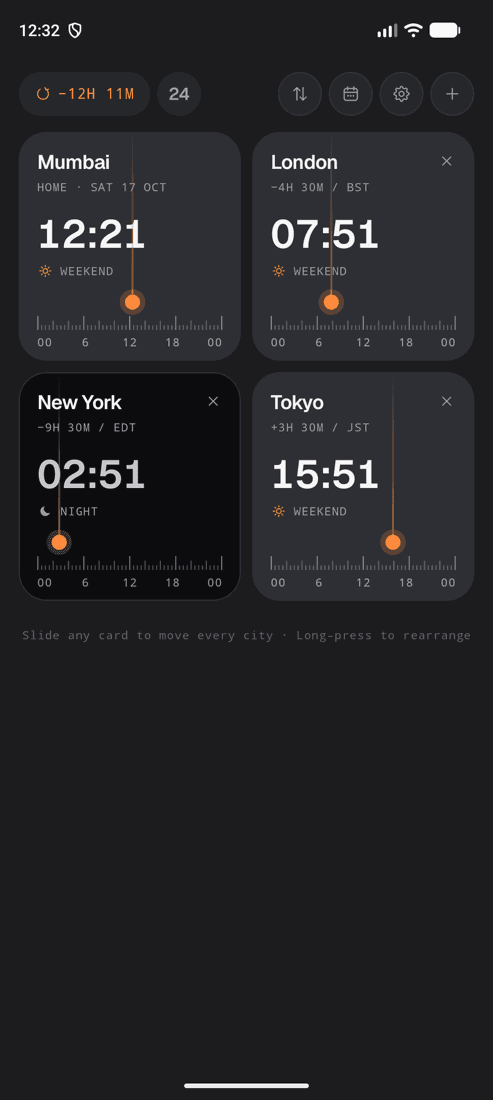
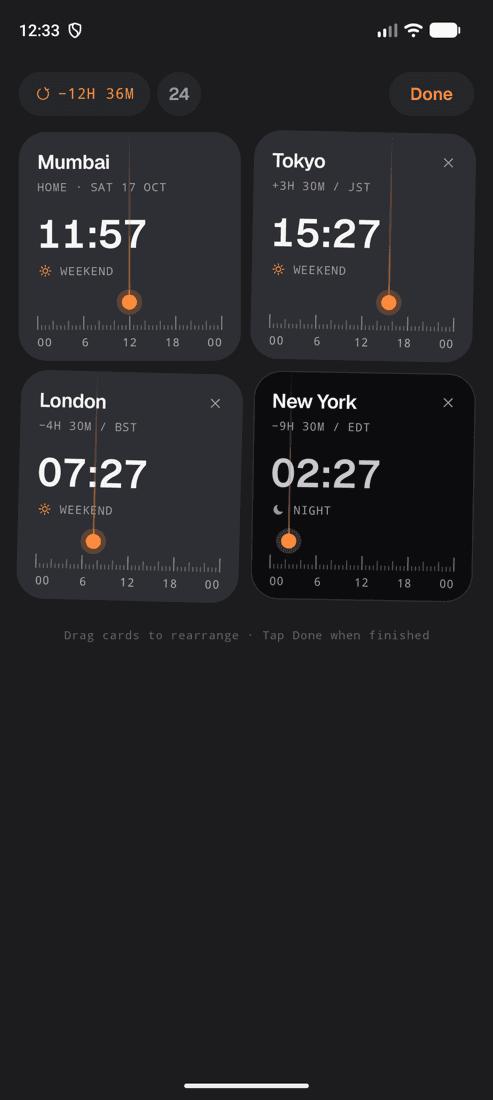
Slide any card
Drag one city's ruler and every other city follows. Tap the scale to jump. Tap the top pill to return to now.
Find a time
Per-city day strips coloured working, awake and night. Drag one meeting window across all of them, from 30 to 90 minutes.
Plan any date (Pro)
Jump to a future date, get suggestions for the best overlap and send the meeting to your calendar.
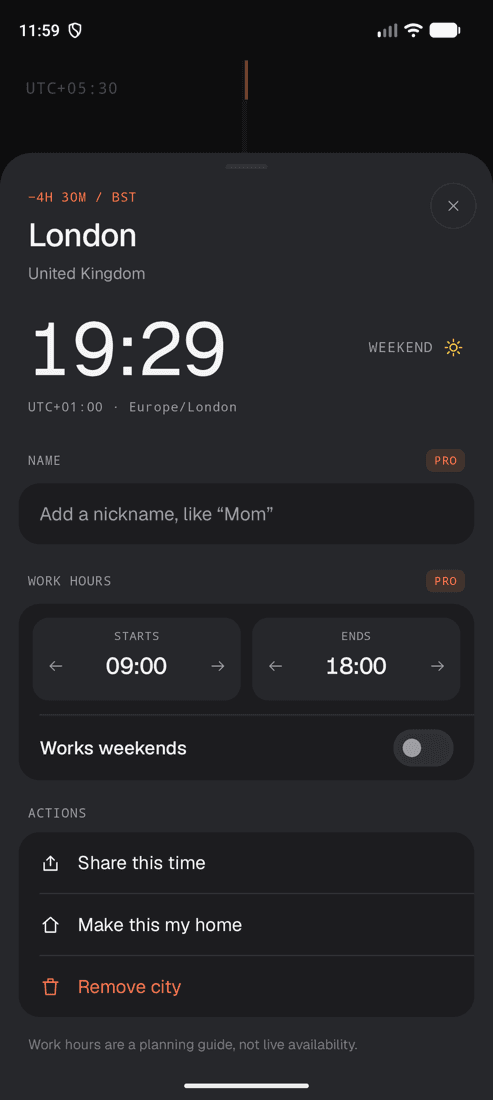
Nicknames (Pro)
Rename New York to “Mom” or Bengaluru to “Design team”. Set real work hours and weekends per city.
Rolling digits
Only the digits that change roll, up when time moves forward and down when it goes back.
Seven themes
Ember and Daylight are free. Midnight, Tidal, Botanical, Dusk and Dune come with Pro, each previewed as a miniature of the real screen.
Abbreviations people know
BST, CEST, EDT, AEDT and JST instead of “GMT+1”, with yesterday and tomorrow labels.
Smooth on modest phones
Scrubbing never redraws the whole screen, and a baseline profile makes the first drag as smooth as the last.
TalkBack and Reduce motion
Accessibility actions throughout, and a setting that swaps rolling digits for instant changes.
Screenshots
Have a look around.
FAQ
Good to know.
Is Time Zone Pro free on Android?
Yes. The free version includes your home clock plus four world cities, unlimited sliding, sharing, the Ember and Daylight themes and Find a time for the coming week.
Is Pro a subscription on Android?
No. Pro on Android is a single one-time purchase through Google Play. It unlocks unlimited cities, any-date planning with suggestions, calendar export, nicknames, custom work hours and five more themes.
Which Android versions are supported?
Android 8.0 (Oreo) and later.
Does it need any permissions?
No location, contacts or calendar permissions. Add to calendar opens your calendar app with the meeting filled in, and nothing is saved until you confirm.
Does it work offline?
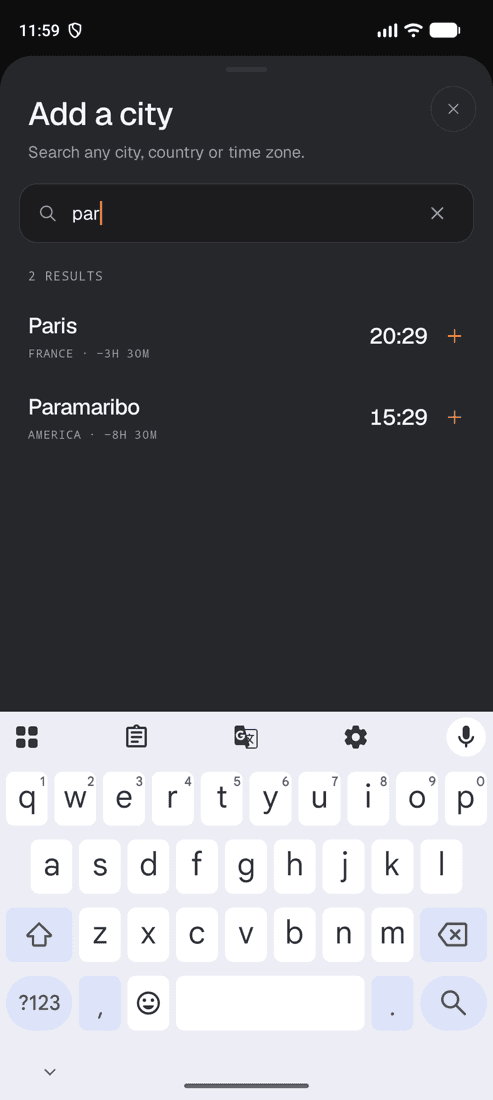
Yes. Clocks, city search and Find a time all work offline. Time zone rules come from Android's own time zone database, which system updates keep current.
Get Time Zone Pro.
Also on iPhone & iPad and Mac.